
Finance Free2.3.1 - Google Play
You'll be able to see results in few seconds.
Publisher Description

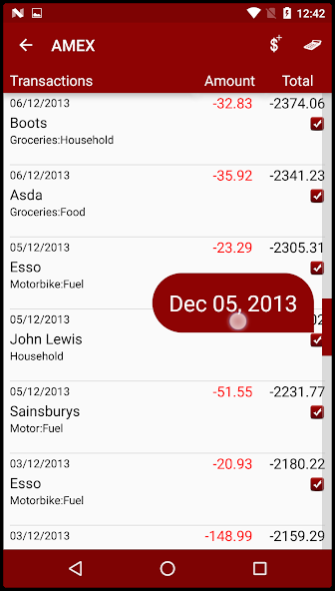
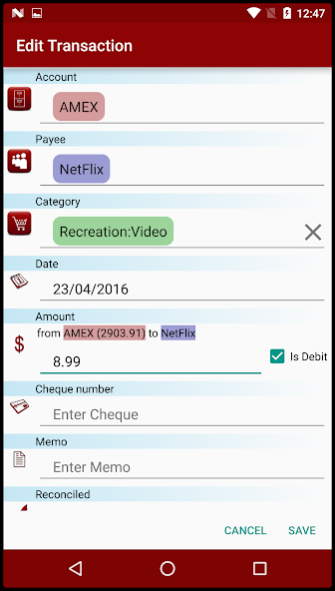

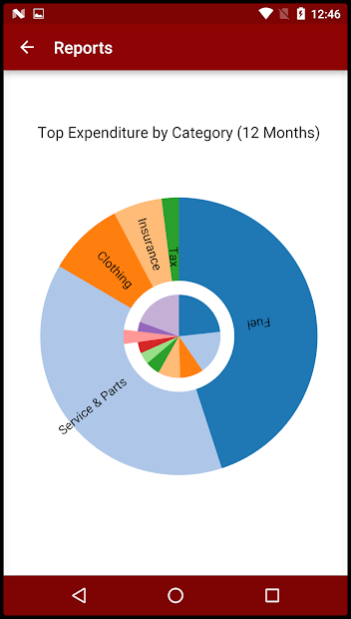
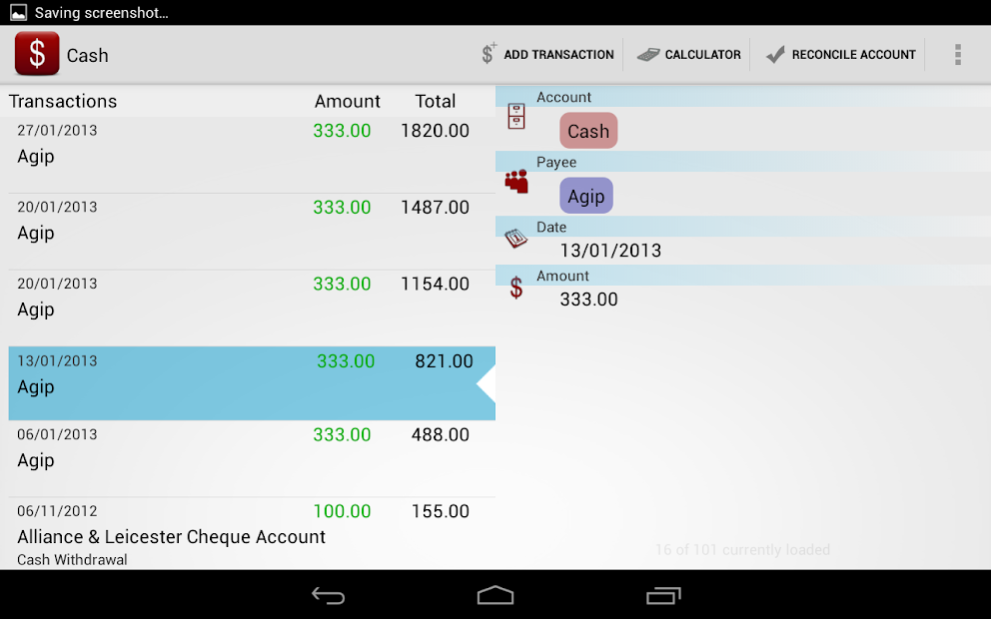
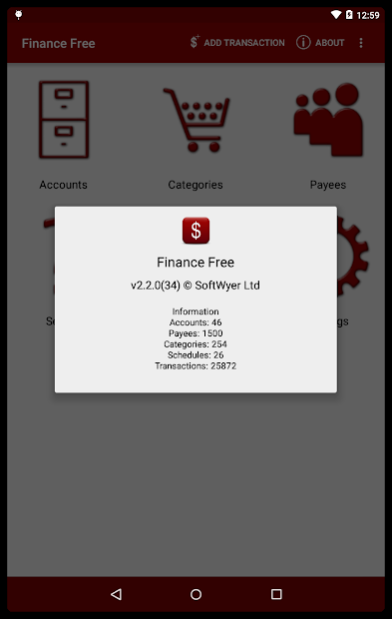
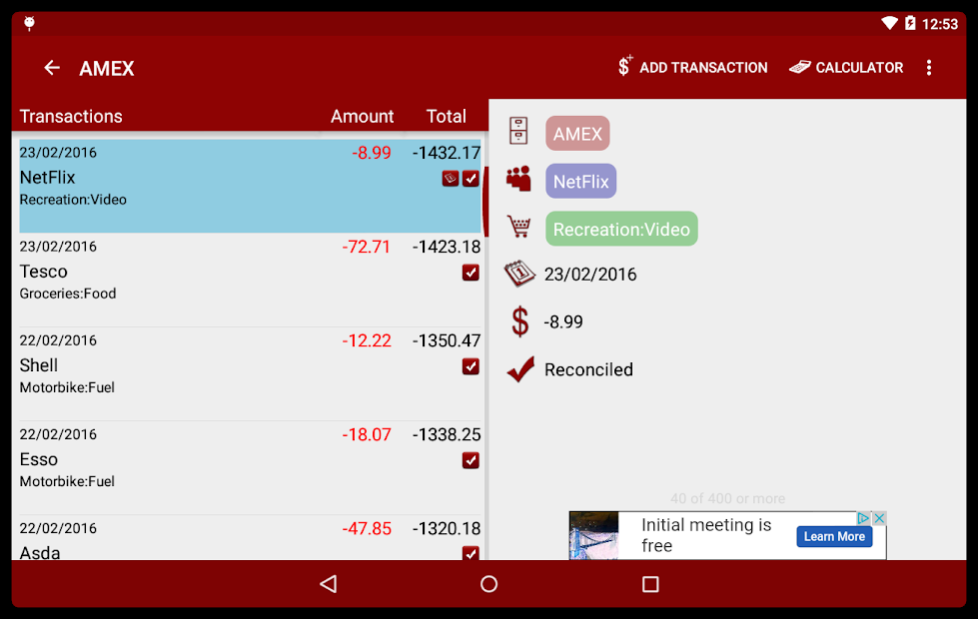
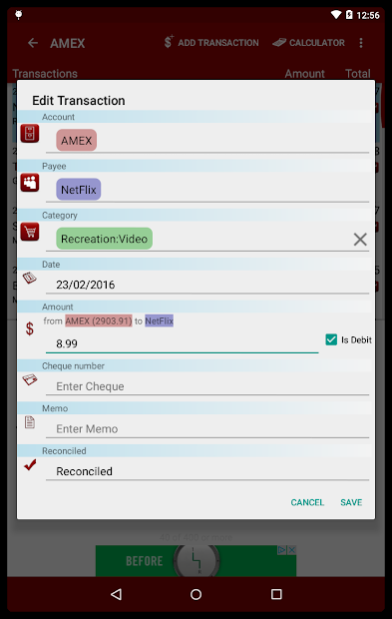
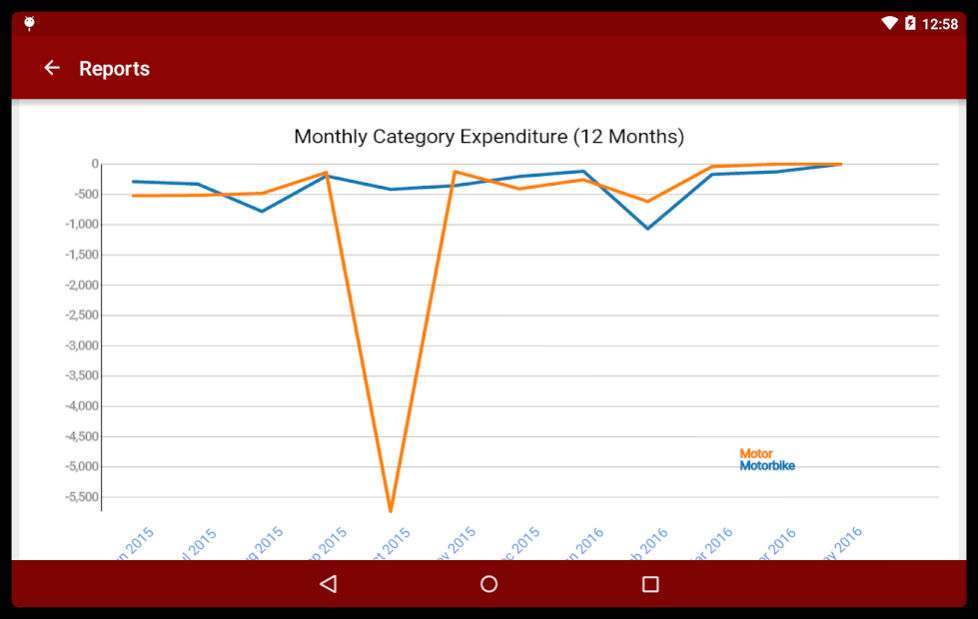
Finance is an application that allows you to track your income and expenditure. It works in a similar manner to PC based financial applications which for some reason Google won't let us mention here.
The goal of Finance is to enable quick and easy transaction entry with clear screens and, hopefully, intuitive options.
We strongly recommend that you read more about Finance in the user manual here http://softwyer.wordpress.com/finance-manual/. Whilst we've tried to make this a 'simple' application, it is a full-featured finance application that requires a basic understanding of the financial terms used.
====
The free version is AD SUPPORTED and has the following functionality:
- Manage Accounts
- Manage Payees
- Manage Categories
- Manage Transactions
- Search Transactions
- Scheduled Transactions (*limited to 5*)
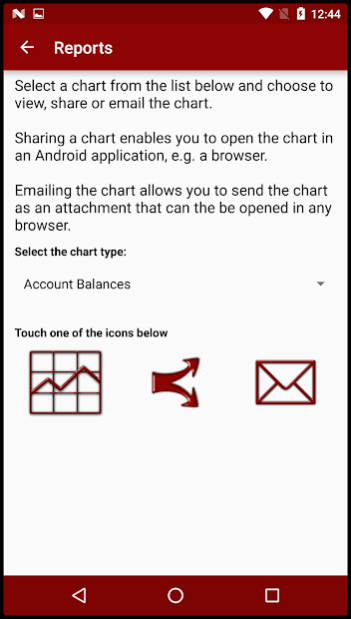
- Charts with dynamic effects
- Email facility for charts so that they can be printed from the PC browser.
- Enhanced layout for tablet devices.
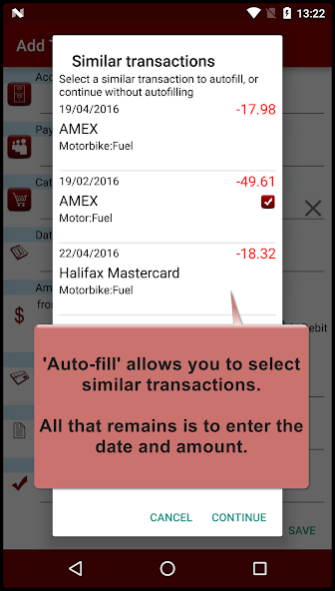
- AUTO-FILL when entering transactions.
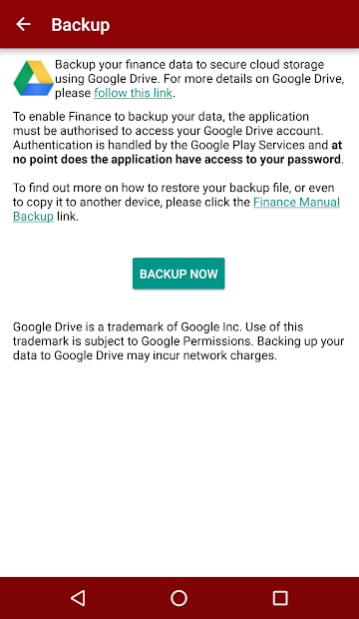
- Backup your Finance Data to Google Drive secure cloud storage
- Restore backups
Auto-fill populates your transaction with the details of a similar transaction, thus leaving you to enter just the date and amount.
It works by looking at your transaction history and will get better as you enter more transactions. By default, auto-fill works with payees, but can also work with categories or accounts!
===
Google Drive backup may not work for all devices. You may need to install Google Play services so that your account can be authenticated with Google. Please email us with any problems.
===
There is also a paid version that has the following additional features:
+ Account reconciliation
+ More charting options
+ QIF import
+ Quick entry transaction widget for the Home Screen.
+ No adverts
+ No limits for scheduled transactions
====
PERMISSIONS
GET ACCOUNTS permission so that it can prompt with accounts names when using Google Drive.
NETWORK permission so that it can source advert data.
====
PROBLEMS, CRASHES and REQUESTS
We can't fix problems or implement features if you only leave a review comment. Please email us with the details and we will respond promptly. In most cases, we can fix problems very quickly, so it's worth sending an email.
support@softwyer.com
About Finance Free
The company that develops Finance Free is SoftWyer. The latest version released by its developer is 2.3.1.
To install Finance Free on your Android device, just click the green Continue To App button above to start the installation process. The app is listed on our website since 2018-06-01 and was downloaded 0 times. We have already checked if the download link is safe, however for your own protection we recommend that you scan the downloaded app with your antivirus. Your antivirus may detect the Finance Free as malware as malware if the download link to com.softwyer.finance.android.free is broken.
How to install Finance Free on your Android device:
- Click on the Continue To App button on our website. This will redirect you to Google Play.
- Once the Finance Free is shown in the Google Play listing of your Android device, you can start its download and installation. Tap on the Install button located below the search bar and to the right of the app icon.
- A pop-up window with the permissions required by Finance Free will be shown. Click on Accept to continue the process.
- Finance Free will be downloaded onto your device, displaying a progress. Once the download completes, the installation will start and you'll get a notification after the installation is finished.
Program Details
System requirements
Download information
Pricing
Version History
version 2.3.1
posted on 2018-06-01
v2.3.1
+ Library refresh
v2.3.0
+ Selecting a category shows top suggestions based on payee and vice versa.
v2.2.4
+ Bug fixes
v2.2.3
+ UI Enhancements
+ Bug fixes
v2.2.0
+ Backup and restore improvements
v2.1.3
+ UI enhancements
v2.1.2
+ UI enhancements
+ Bug fixes
v2.1.1
+ Bug fixes
v2.1.0
+ Further UI refinements
+ Bug fixes
Full details on the Google Plus site https://plus.google.com/u/0/b/113750147836457488590/113750147836457488590/posts
version 2.2.4
posted on 2016-11-21
v2.2.4
+ Bug fixes
v2.2.3
+ UI Enhancements
+ Bug fixes
v2.2.0
+ Backup and restore improvements
v2.1.3
+ UI enhancements
v2.1.2
+ UI enhancements
+ Bug fixes
v2.1.1
+ Bug fixes
v2.1.0
+ Further UI refinements
+ Bug fixes
v2.0.0
UI refresh to give the application a Material Design look.
Full details on the Google Plus site https://plus.google.com/u/0/b/113750147836457488590/113750147836457488590/posts
version 2.2.3
posted on 2016-10-16
v2.2.3,+ UI Enhancements,+ Bug fixes,v2.2.0,+ Backup and restore improvements,v2.1.3,+ UI enhancements,v2.1.2,+ UI enhancements,+ Bug fixes,v2.1.1,+ Bug fixes,v2.1.0,+ Further UI refinements,+ Bug fixes,v2.0.0,UI refresh to give the application a Material Design look.,Full details on the Google Plus site https://plus.google.com/u/0/b/113750147836457488590/113750147836457488590/posts
version 1.4.6
posted on 2013-06-05
Several fixes and updates
Disclaimer
Official Google Play Link
We do not host Finance Free on our servers. We did not scan it for viruses, adware, spyware or other type of malware. This app is hosted by Google and passed their terms and conditions to be listed there. We recommend caution when installing it.
The Google Play link for Finance Free is provided to you by apps112.com without any warranties, representations or guarantees of any kind, so access it at your own risk.
If you have questions regarding this particular app contact the publisher directly. For questions about the functionalities of apps112.com contact us.
